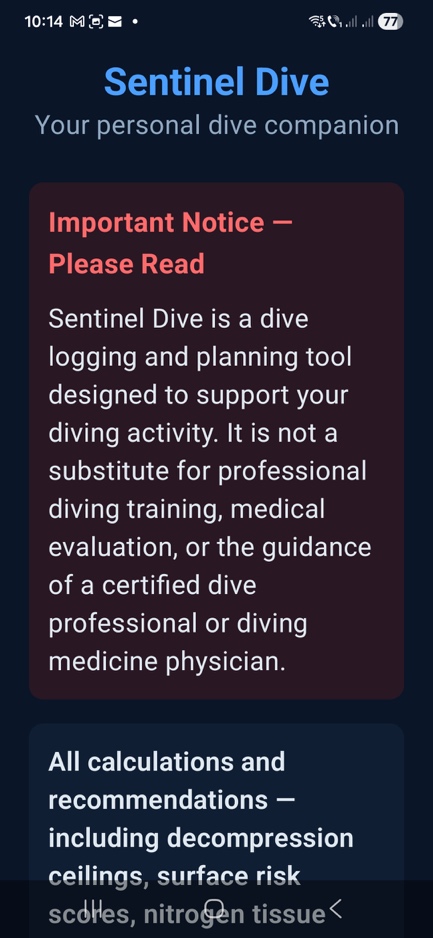
Safety-first onboarding
Clear first-launch safety disclaimer and a transparent acknowledgements section you can revisit later.
A user-first walkthrough of Sentinel Dive’s core features. No engineering details — just what you can do and why it matters.
Clear first-launch safety disclaimer and a transparent acknowledgements section you can revisit later.
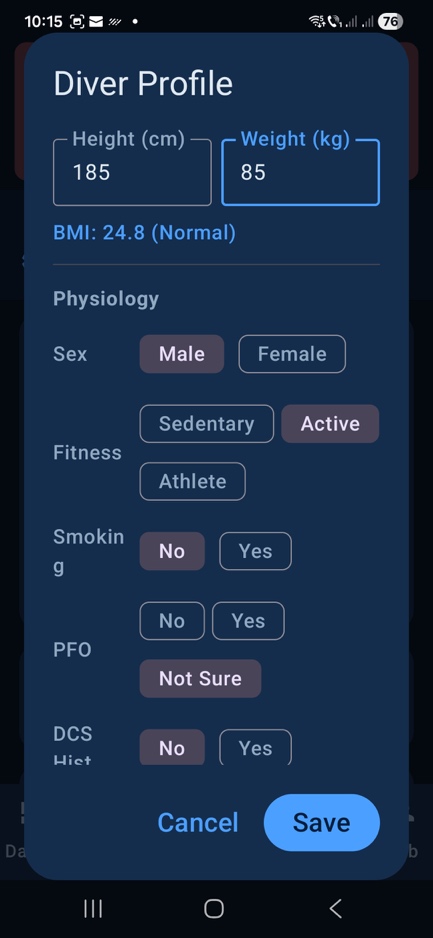
Set your diver profile and decompression preferences (e.g., Gradient Factors) once, then reuse across dives.
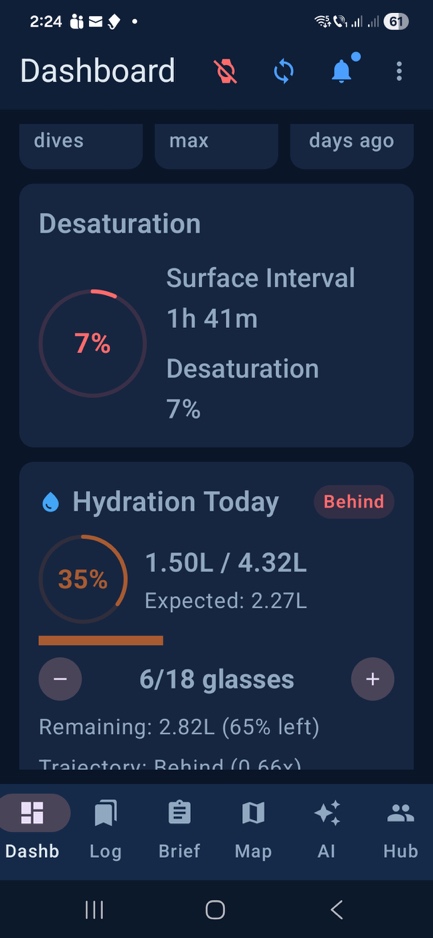
At-a-glance view of recent dives, what’s next, and the most important dive-day context.
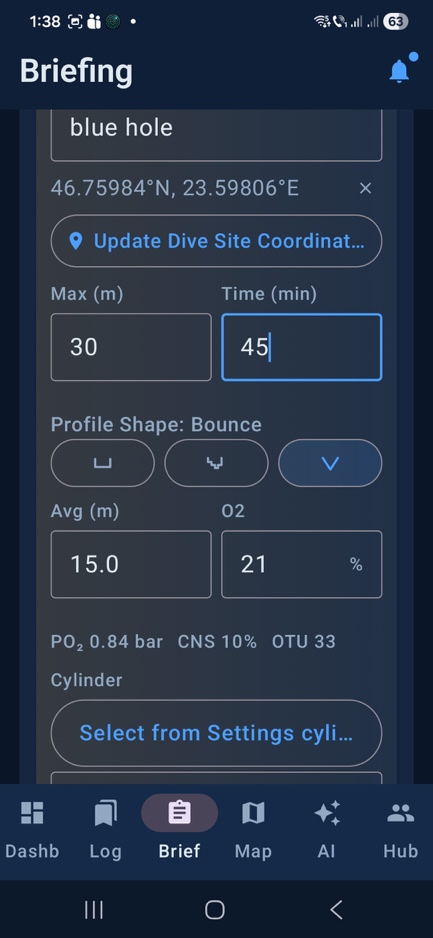
Plan a dive day with key inputs (site, time, depth, gas) before you enter the water.
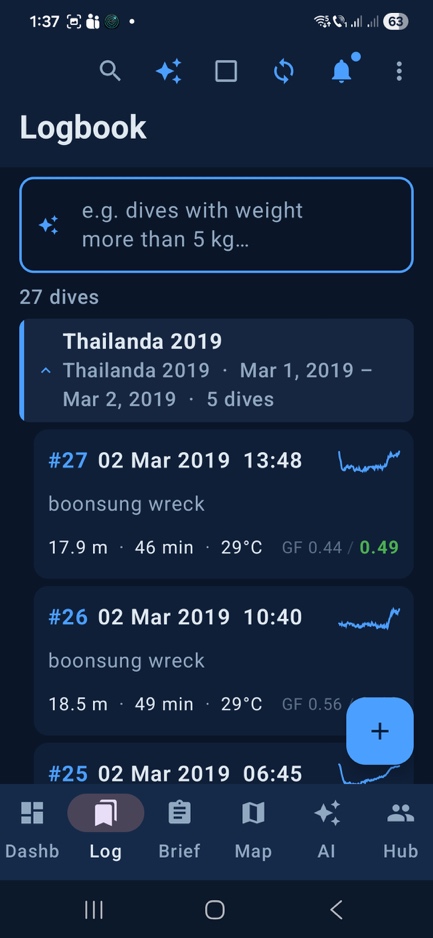
Fast search and clean browsing, whether you have 20 dives or 2,000.
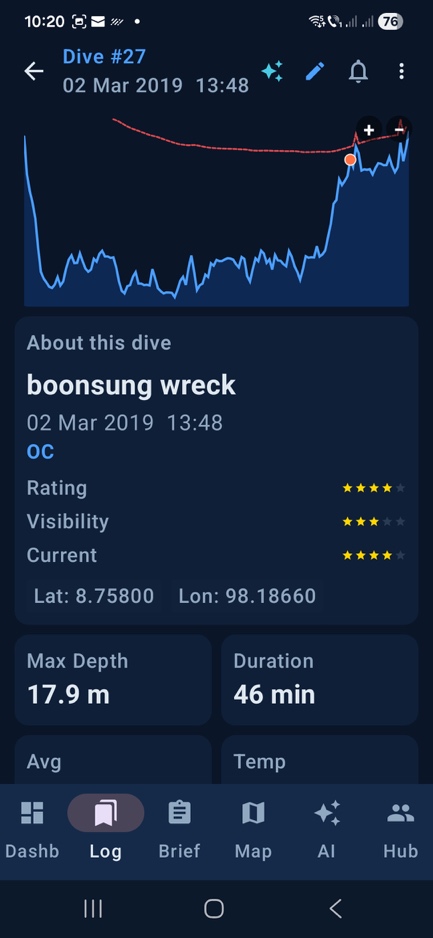
Review your profile and key stats after a dive, with actionable post-dive insights.
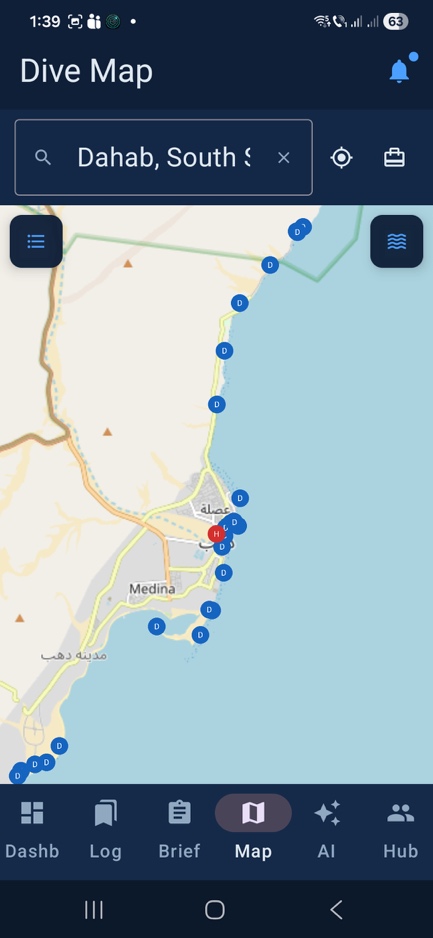
See your history geographically, revisit saved sites, and explore community-shared locations.
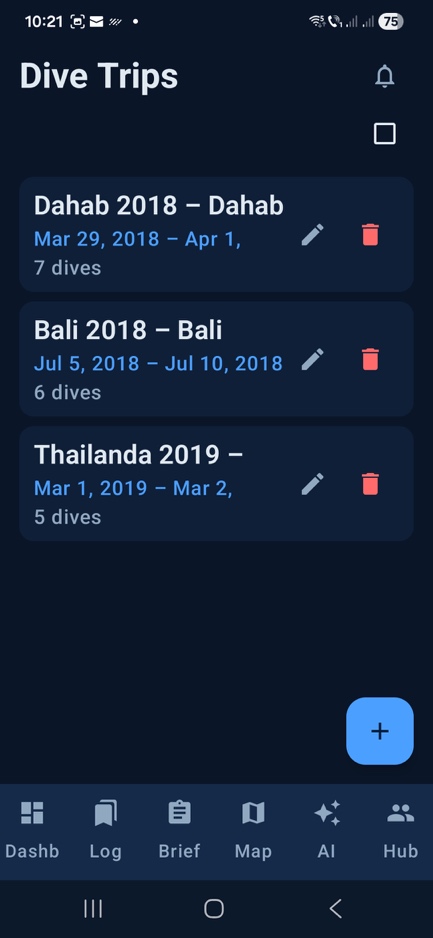
Group dives into trips (liveaboards, weekends, training blocks) so your history stays organized.
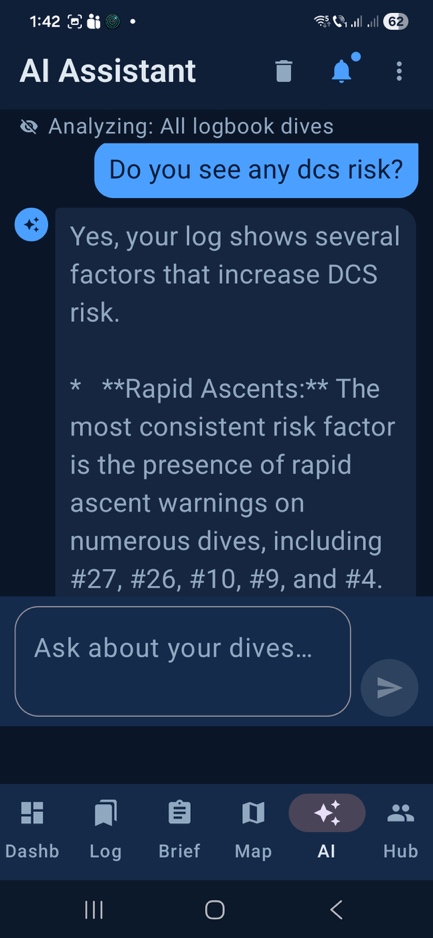
Ask questions about your own data and get help exploring logs and patterns in plain language.
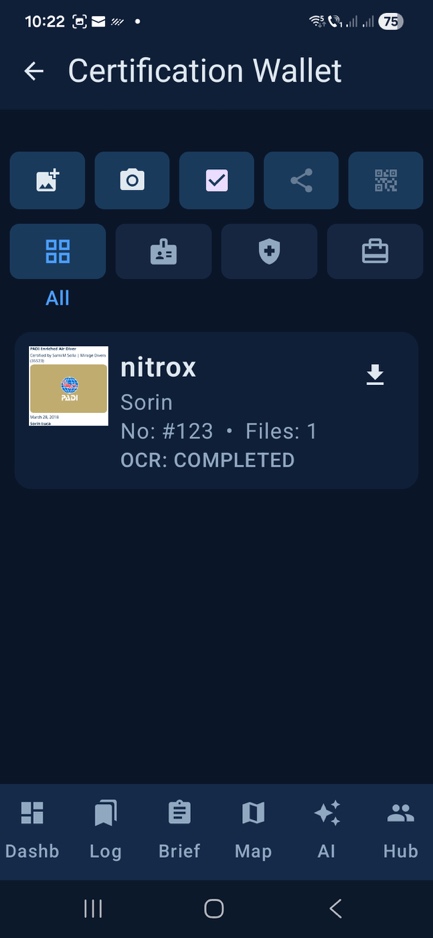
Keep certifications in one place — offline-friendly, shareable, and easy to update.
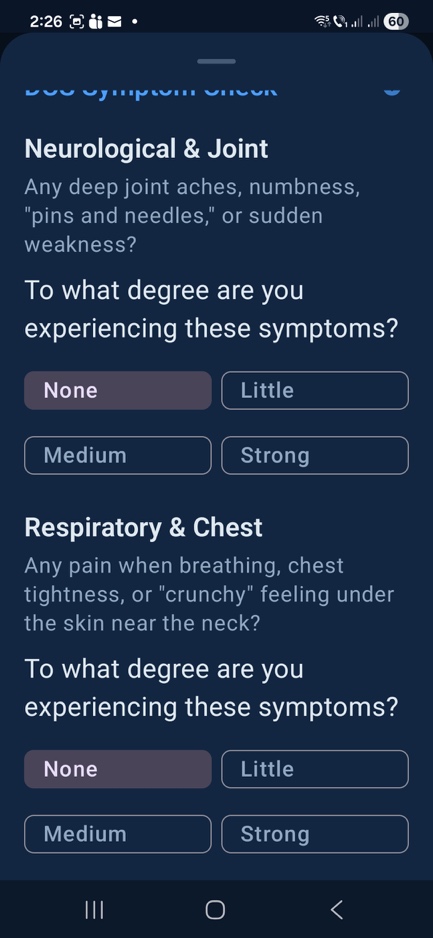
Capture how you felt after diving with a structured debriefing flow — separate from the logbook.
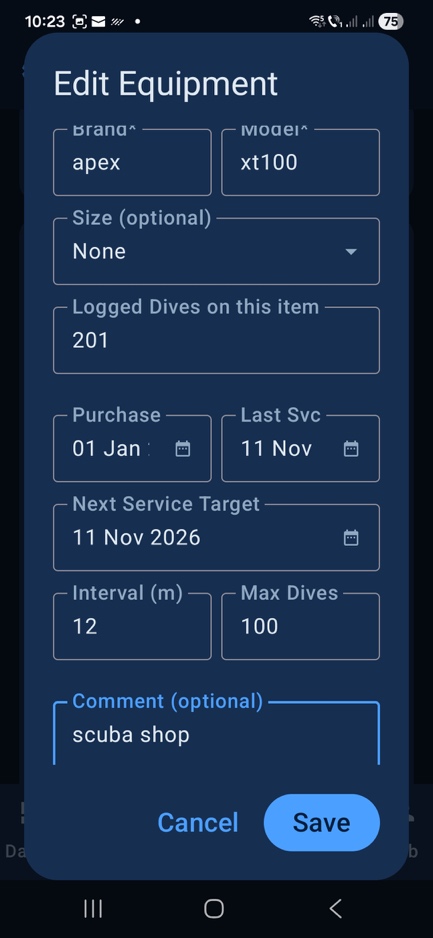
Track and organize your gear so it’s ready for the next trip — including service and notes.
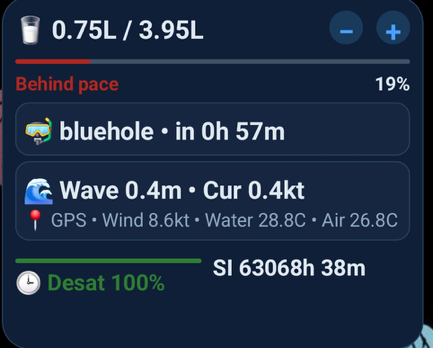
A quick glance for dive-day status without opening the app.
This feature tour is an overview. The complete user guide includes step-by-step flows and settings details.